


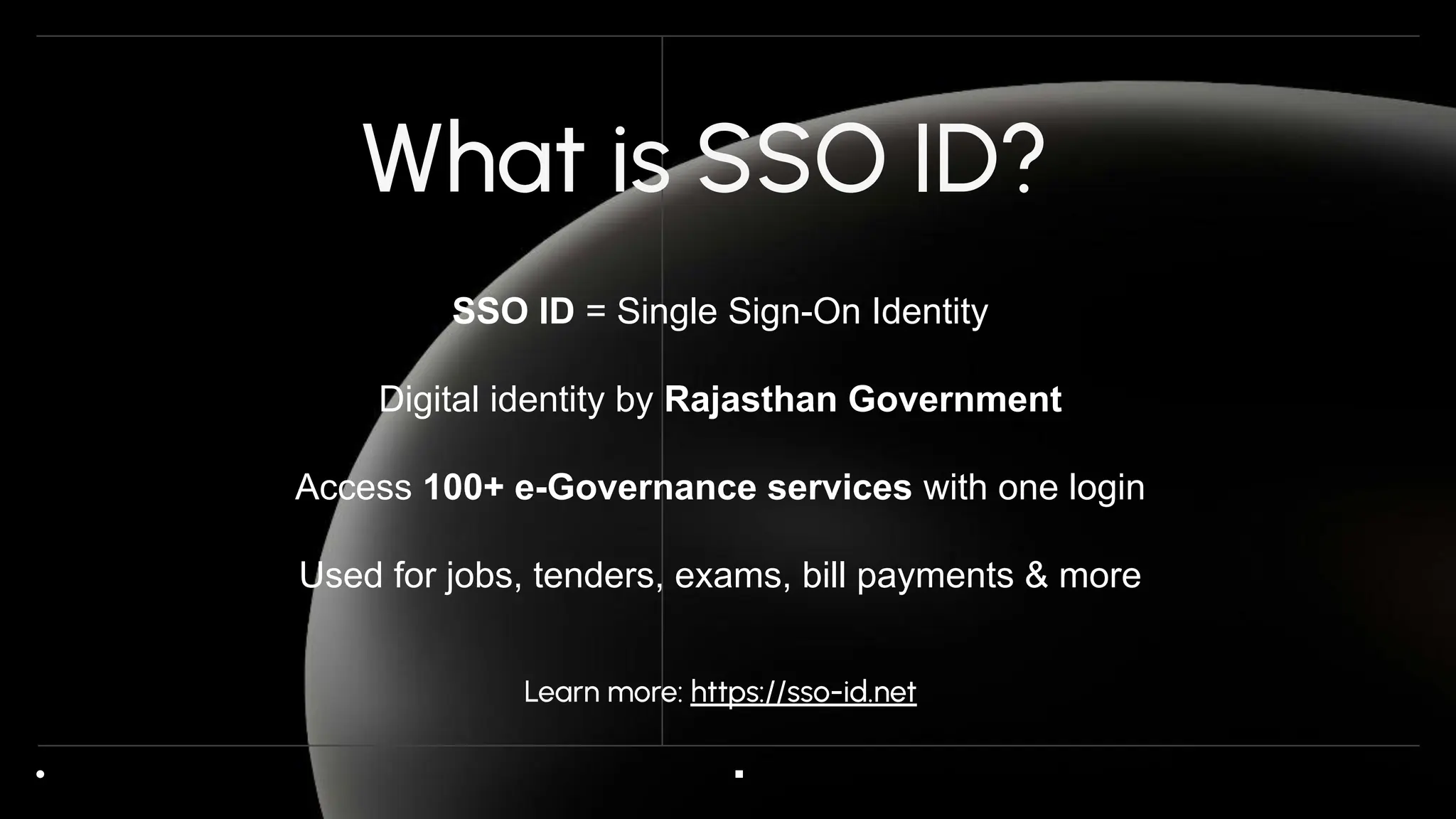
The Rajasthan SSO portal provides a unified system for citizens to access multiple government services using a single digital account. An SSO ID simplifies interactions with welfare schemes, certificates, and employment applications efficiently. Correct usage of the ID ensures smooth navigation across different services without repeated registrations. Centralized access reduces paperwork and minimizes errors for users.
By using an SSO ID, citizens can track applications, receive updates, and download necessary documents from one dashboard. Real-time notifications guide users on approvals, pending requirements, or additional actions. Properly maintained credentials prevent login issues and improve overall reliability. Efficient digital access strengthens transparency in government service delivery.
SSO ID also helps authorities manage user data consistently across departments. Verification mechanisms ensure authenticity of applicants and reduce fraudulent activity. Citizens benefit from faster processing times and streamlined digital interactions. Regular use of the portal enhances service efficiency and digital governance.
Understanding the Functionality of SSO ID
Single Digital Identity
SSO ID acts as a unique identifier linking citizens to multiple government services. It eliminates the need for multiple logins across departments. Users can manage applications for certificates, schemes, and employment from one central account. Centralized authentication ensures consistent personal information across all services. Maintaining a single digital identity simplifies administrative processes.
Centralized Access to Services
With SSO ID, citizens can access over 100 government modules seamlessly. Employment applications, welfare schemes, and certificates are connected under one portal. Data entered once is reflected across all linked services. Notifications inform users about pending actions or approvals. This centralized approach reduces redundancy and improves processing efficiency.
Data Accuracy and Verification
SSO ID automatically synchronizes personal information across multiple applications. Verification ensures that mobile numbers, emails, and identification numbers match official records. Accurate data prevents login failures and submission errors. Centralized verification enhances trust in digital processes. Users benefit from consistent and error-free service access.
Steps in SSO ID Usage
Logging Into the Portal
To use SSO ID, users must visit the official Rajasthan portal. Entering valid credentials grants access to the dashboard and linked services. Portal guidance ensures correct login and reduces mistakes. Users can select modules according to their requirements. Proper login enables uninterrupted access to government services.
Navigating Dashboard Modules
Once logged in, the dashboard displays available certificates, schemes, and employment notifications. Navigation menus help users select and manage specific applications easily. Documents can be downloaded, and submission status tracked efficiently. Real-time updates improve user experience. Centralized modules reduce dependency on manual processes.
Submitting Applications
Users can submit applications for welfare schemes or certificates directly through SSO ID Login, and form fields are automatically prefilled with verified personal details for better accuracy. Submission notifications confirm receipt of applications. Tracking options allow users to follow up on pending approvals. The system ensures faster and error-free processing.
- Use correct login credentials for dashboard access
- Verify personal details before application submission
- Track pending approvals through real-time notifications
Receiving Updates and Notifications
The portal sends alerts regarding application status, approvals, and pending documents. Notifications ensure timely response and reduce dependency on physical offices. Users receive updates on employment modules, welfare schemes, and certificates. Regular monitoring improves efficiency and accountability. Centralized notifications streamline government-citizen interactions.
Troubleshooting and Support
Resolving Login Issues
Login problems may arise due to incorrect credentials or forgotten passwords. Using the “Forgot Password” option with verified contact details helps reset accounts. Users should ensure registered email and mobile numbers are current. Contacting portal support resolves persistent access issues. Correct credentials maintain uninterrupted service access.
Managing Data Discrepancies
Incorrect personal information can prevent service access or application submission. Users should double-check details like mobile numbers, emails, and identification numbers. Updating information in the profile ensures smooth processing. Verified data reduces errors and delays. Accurate profiles strengthen service reliability.
Technical Requirements
Older devices or unsupported browsers may disrupt portal access. Using updated browsers and devices ensures smooth login and module navigation. Clearing cache and cookies can prevent technical glitches. Following portal recommendations enhances compatibility. Technical compliance guarantees functional and uninterrupted service usage.
- Reset password if login fails
- Keep personal information updated
- Use compatible browsers and devices for portal access
Support Assistance
Persistent technical or login issues can be addressed by the SSO portal helpdesk. Support staff guide users through troubleshooting and verification steps. Reporting errors promptly helps resolve issues efficiently. Timely assistance ensures uninterrupted access to government services. Following support instructions prevents repeated problems.
Best Practices for SSO ID Users
Keep Credentials Secure
Protect SSO ID and password from unauthorized access. Use strong, unique passwords and security questions for added safety. Avoid sharing credentials or using public devices. Secure login ensures uninterrupted service usage. Regular updates improve account security and reliability.
Monitor Activities Regularly
Check application status and notifications consistently through the dashboard. Track approvals, pending documents, and submission updates. Monitoring ensures timely action and reduces dependency on manual follow-ups. Users gain better control over their government interactions. Regular monitoring increases efficiency.
Explore Services Fully
SSO ID provides access to welfare schemes, certificates, and employment modules from a single portal. Understanding all available services helps in better utilization of the system. Citizens can streamline applications and submissions efficiently. Exploring modules regularly improves familiarity with portal features. Timely usage enhances digital governance.
- Protect login credentials at all times
- Track applications and notifications regularly
- Explore available services for maximum efficiency
Follow Portal Guidelines
Adhering to portal instructions ensures smooth login and service usage. Avoid incorrect submissions or incomplete applications. Following official guidelines reduces errors and delays. Proper use of the system strengthens digital governance. Compliance enhances overall portal efficiency and user experience.
Conclusion
SSO ID provides a centralized, efficient method to access multiple Rajasthan government services. Correct login, verified personal details, and portal guidance ensure smooth application submission. Maintaining secure credentials and monitoring notifications improves convenience. Proper utilization reduces errors, saves time, and ensures seamless access to schemes, certificates, and employment modules for all citizens.
