


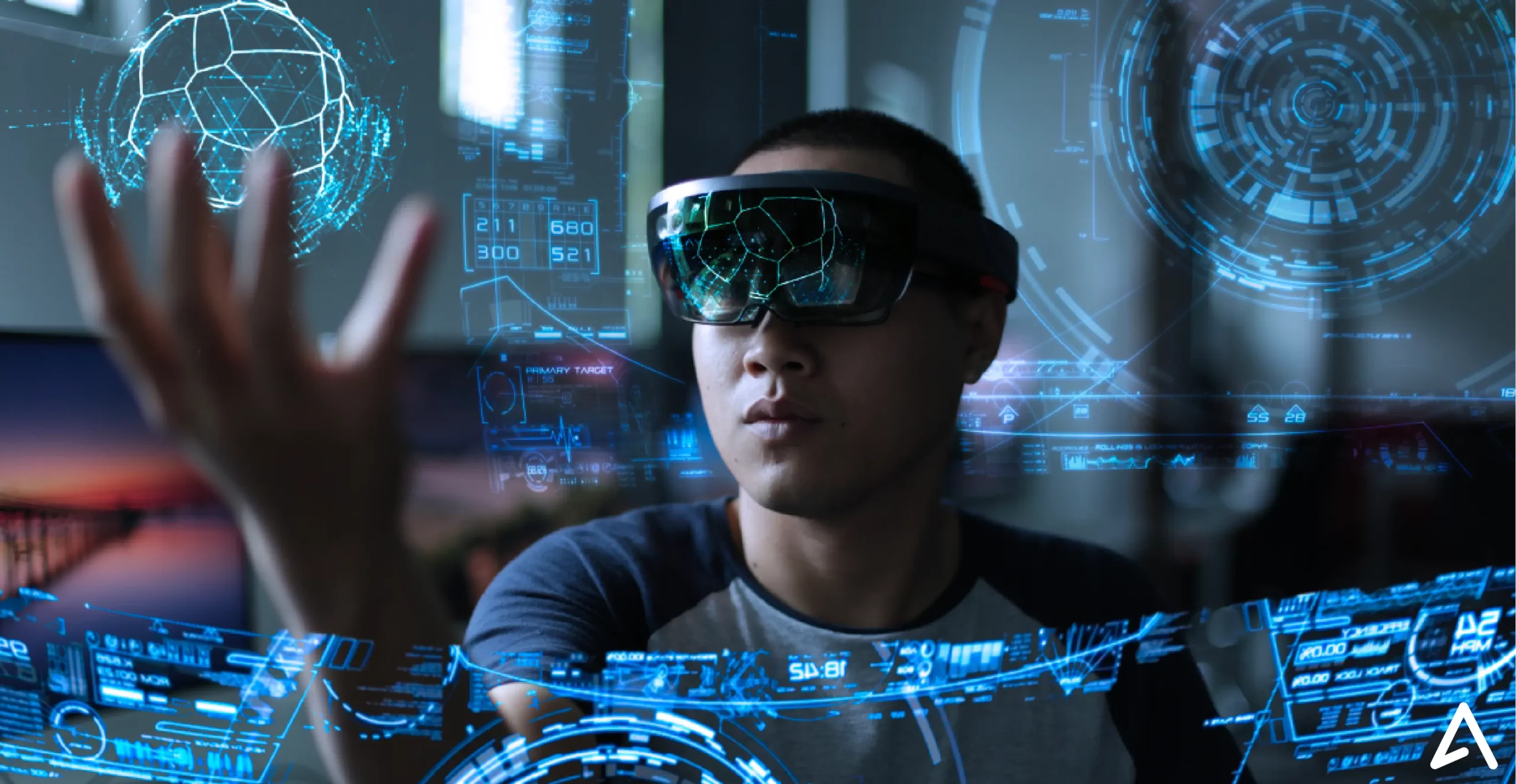
Spatial computing is changing software development by allowing applications to understand space, depth, movement, objects, gestures, voice, and physical surroundings.
Traditional software lives inside screens. Spatial software can interact with the world around the user.
For developers, this creates a new digital canvas. Applications can move beyond websites, mobile screens, and desktop windows into 3D environments, augmented reality, mixed reality, virtual reality, smart glasses, and immersive interfaces.
The result is a new approach to digital experience design: software becomes spatial, contextual, and interactive.
What Is Spatial Computing?
Spatial computing refers to technology that connects digital content with physical or virtual space.
A spatial computing application can understand information such as:
- User position
- Object location
- Depth
- Movement
- Surface geometry
- Hand gestures
- Eye direction
- Voice commands
- Spatial audio
- Physical surroundings
Instead of interacting with software through a flat screen alone, users can interact with digital content through gaze, gestures, voice, movement, and physical space.
This makes spatial computing broader than traditional 3D graphics. The defining characteristic is the relationship between digital content, users, devices, and space.
Why Spatial Computing Matters for Developers
Spatial computing gives developers access to a new interaction model.
A traditional mobile application might display a 3D model of a product on a smartphone.
A spatial application can place that product inside the user’s physical environment.
A furniture application, for example, could allow someone to view a virtual sofa at realistic scale inside a living room.
The underlying product information remains similar. The experience changes completely.
Developers can now build applications where users can:
- Walk around digital objects
- Manipulate 3D models
- Place virtual content inside physical environments
- Interact through hand gestures
- Use voice commands
- Receive spatial audio
- Explore immersive environments
- View digital information alongside real-world surroundings
This creates new opportunities across gaming, education, healthcare, retail, architecture, engineering, manufacturing, training, entertainment, and productivity.
Spatial Computing Changes User Interface Design
For decades, software interfaces relied on familiar elements:
- Buttons
- Menus
- Windows
- Icons
- Touchscreens
- Keyboards
- Mice
Spatial computing expands that interface vocabulary.
A user can interact with software by looking at an object, reaching toward it, grabbing it, moving it, rotating it, speaking to it, or physically moving around it.
This changes the fundamental design question.
Traditional interface design asks:
Where should the button appear?
Spatial interface design asks:
Where should the digital object exist relative to the user?
That difference represents one of the biggest changes spatial computing brings to software development.
3D Graphics Alone Do Not Create Spatial Computing
A three-dimensional application is not automatically a spatial computing application.
A conventional 3D program can still behave like a traditional screen-based experience.
Spatial computing becomes more powerful when software understands relationships between:
User + Environment + Digital Content
For example, a spatial application may understand:
- Where an object exists
- How far the user stands from it
- Which direction the user faces
- Whether another object blocks it
- Where the user’s hands are located
- Which surfaces exist in the surrounding environment
- How digital objects relate to physical space
This spatial awareness allows developers to create experiences that respond dynamically to the user’s environment.
New Input Methods Are Changing Development
Spatial computing introduces interaction methods beyond touchscreens, keyboards, and mice.
Eye Tracking
Eye tracking allows software to detect where a user is looking.
Developers can use gaze as an input signal for navigation, selection, attention, or interface control.
However, looking at an object does not always mean the user wants to select it.
That makes gaze-based interaction design an important consideration.
Hand Tracking
Hand tracking allows users to interact with digital objects without traditional controllers.
Possible interactions include:
- Pinching
- Grabbing
- Pointing
- Rotating
- Moving
- Resizing
Developers must design gestures that feel natural, reliable, and easy to remember.
Voice Interaction
Voice provides another interaction layer.
Users can communicate with spatial applications through natural-language commands instead of navigating complex menus.
For example:
“Move this model closer.”
“Show the engine components.”
“Make this object larger.”
AI can make these interactions increasingly conversational.
Controllers
Controllers remain valuable for applications that require precision, especially gaming, professional visualization, and simulation.
Spatial applications can combine controllers with gaze, gestures, voice, and traditional peripherals.
Spatial Audio Adds Another Layer
Spatial computing is not limited to visual experiences.
Spatial audio gives developers another way to communicate information.
Sounds can appear to originate from different directions and distances.
For example:
- A virtual character can speak from a specific location.
- A navigation instruction can come from the direction of a destination.
- A warning sound can originate behind the user.
- Environmental audio can change as the user moves.
This transforms audio from simple background content into an interactive spatial signal.
AI Is Accelerating Spatial Computing
Artificial intelligence is becoming an important component of spatial computing.
AI can help applications understand:
- Objects
- Images
- Physical environments
- Natural language
- User intent
- Visual scenes
- Spatial relationships
Consider a 3D design application.
Instead of manually selecting an object and dragging it across a virtual environment, a user could say:
“Move the table next to the window.”
An AI system could interpret the instruction, identify the table and window, understand their spatial relationship, and perform the requested action.
This combination of AI, computer vision, spatial mapping, natural language, and 3D interfaces creates a more intuitive computing model.
Spatial Computing Creates New Developer Opportunities
Gaming
Spatial computing can place characters, objects, environments, and gameplay mechanics around users.
Developers can combine:
- 3D graphics
- Spatial tracking
- Hand interaction
- Eye tracking
- Spatial audio
- AI
The result can be more interactive game environments.
Education
Spatial applications can turn complex concepts into interactive 3D experiences.
Students can:
- Explore human anatomy
- Examine molecular structures
- Study planetary systems
- Explore historical environments
- Manipulate engineering models
- Visualize scientific concepts
Spatial interaction can make abstract information easier to explore.
Architecture
Architects can examine buildings through immersive 3D models.
Instead of viewing a structure only through drawings or computer monitors, teams can explore digital spaces at realistic scale.
Engineering
Engineers can visualize machines, components, systems, and production environments.
Spatial applications can also support design reviews, simulations, maintenance training, and technical visualization.
Retail
Retailers can use spatial computing to help customers visualize products before purchase.
Furniture represents an obvious example.
Customers can potentially place a digital representation of a product inside their home and evaluate its size, position, and appearance.
Healthcare Training
Spatial applications can support medical education, simulation, and professional training.
Three-dimensional models can provide interactive representations of anatomy, procedures, equipment, and clinical environments.
Healthcare applications require appropriate validation and safety considerations when used for professional decision-making.
Spatial Computing Requires New Performance Standards
Spatial applications can demand substantial computing resources.
Developers may need to optimize:
- 3D rendering
- Graphics processing
- Sensor data
- Spatial mapping
- Object tracking
- Frame rates
- Latency
- Battery consumption
Latency becomes especially important.
When virtual objects move incorrectly or respond slowly to physical movement, the experience can feel unnatural.
For spatial applications, performance directly affects usability.
A technically impressive experience can fail if interactions feel delayed or unstable.
Spatial UX Requires a Different Design Approach
Spatial user experience introduces design factors that do not exist in the same way on a traditional screen.
Scale
Digital objects can appear tiny, life-sized, or enormous.
Distance
Objects positioned too close or too far away can become difficult to interact with.
Depth
Developers must account for foreground, background, occlusion, and spatial relationships.
Comfort
Interfaces should avoid forcing users to maintain uncomfortable head, eye, or arm positions.
Attention
Placing information throughout a user’s environment can create cognitive overload.
Accessibility
Spatial applications should account for different physical, visual, auditory, and interaction requirements.
Successful spatial UX is therefore not simply traditional interface design converted into 3D.
Spatial Computing Platforms Are Expanding
Major technology companies are developing platforms for spatial applications.
Apple visionOS provides frameworks for spatial experiences across Apple’s Vision Pro ecosystem.
Meta Quest supports mixed-reality and virtual-reality applications through Meta’s XR platform.
Google Android XR extends Android development toward immersive devices, including headsets and smart glasses.
Each platform has different hardware capabilities, development frameworks, interaction models, and design requirements.
For developers, this growing ecosystem creates more opportunities to experiment with spatial application development.
Spatial Computing vs. AR vs. VR vs. MR
These terms are related but represent different concepts.
Augmented Reality
AR adds digital information or objects to the user’s view of the physical environment.
Virtual Reality
VR places the user inside a primarily computer-generated environment.
Mixed Reality
MR combines physical and digital environments, allowing virtual content to interact with or respond to the physical world.
Spatial Computing
Spatial computing represents the broader concept of computing that understands and interacts with physical or virtual space.
The terminology can overlap across companies, products, and technical discussions.
What Developers Need to Consider Before Building a Spatial App
Before adding spatial functionality, developers should identify whether spatial interaction actually improves the experience.
Important questions include:
- Does the application benefit from physical context?
- What role does 3D space play?
- Which interactions require gestures?
- Could voice simplify navigation?
- Should users interact through gaze?
- How should digital objects behave around physical surfaces?
- What happens when spatial tracking becomes inaccurate?
- How much information should appear simultaneously?
- How will users interact comfortably for extended periods?
- Which accessibility features are required?
Spatial technology should solve a real user problem rather than exist purely as a visual upgrade.
The Future of Spatial Computing
Spatial computing is moving beyond the idea of VR headsets and immersive gaming.
The broader trend involves computing systems that understand people, places, objects, movement, context, and physical environments.
AI will likely make these systems more capable of interpreting natural-language commands and environmental information.
Wearable devices may also make spatial computing more accessible by moving experiences from large headsets toward smaller devices such as smart glasses.
For developers, this means the application canvas is expanding.
The screen is no longer necessarily the boundary of software.
Physical space can become part of the interface.
Frequently Asked Questions
What is spatial computing?
Spatial computing is a computing approach that allows digital systems to understand and interact with physical or virtual space using technologies such as sensors, cameras, 3D graphics, computer vision, gestures, gaze, voice, and spatial audio.
Why is spatial computing important for developers?
Spatial computing gives developers new ways to build applications around physical environments, 3D objects, movement, gestures, voice, and contextual interaction.
What can developers build with spatial computing?
Developers can create games, educational experiences, training simulations, architectural visualization tools, engineering applications, retail experiences, healthcare simulations, productivity tools, and collaborative environments.
Does spatial computing require a VR headset?
No. Spatial computing can use VR headsets, AR glasses, mixed-reality headsets, smart glasses, smartphones, cameras, sensors, and other spatially aware devices.
How does AI work with spatial computing?
AI can help applications understand visual environments, objects, natural-language instructions, user intent, and spatial relationships. This can make spatial interfaces more responsive and intuitive.
Is spatial computing the same as virtual reality?
No. Virtual reality is one category of immersive computing. Spatial computing is a broader concept that can include VR, AR, MR, 3D interfaces, spatial audio, smart glasses, and other technologies that connect digital information with physical or virtual space.
Final Takeaway
Spatial computing is giving developers a new way to build digital experiences by connecting software with space, movement, depth, objects, voice, vision, and physical environments.
The opportunity goes beyond creating more immersive graphics.
Developers can create applications that understand where users are, respond to how they interact, and place digital information where it becomes relevant.
The combination of spatial computing, AI, computer vision, natural-language interaction, wearable technology, and 3D interfaces is creating a new development landscape.
For developers, the biggest change is simple:
Software no longer has to live inside the screen. Space itself can become part of the experience.
