


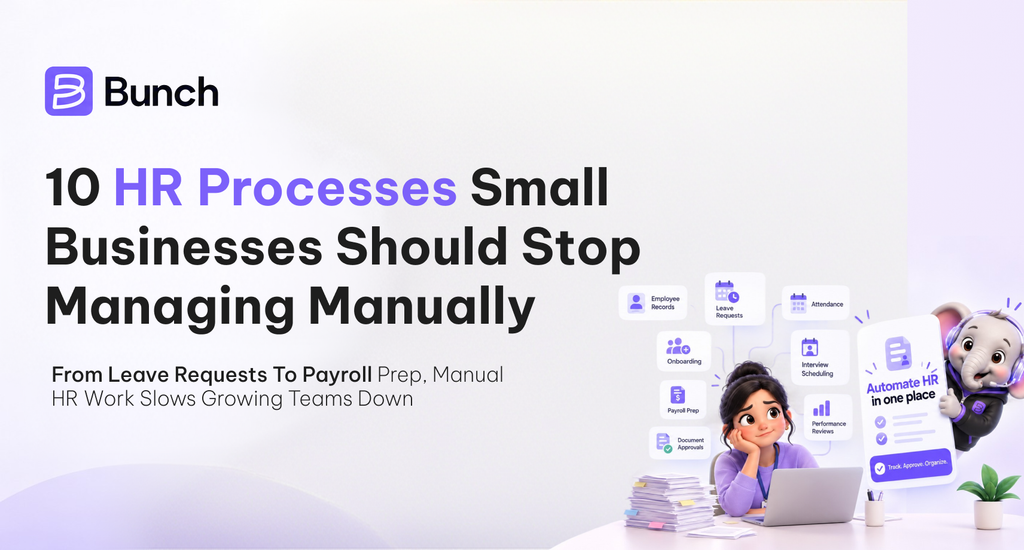
Human resource management plays an important role in keeping a business organized and its employees productive. From maintaining employee records to managing attendance, payroll, and onboarding, HR teams handle several recurring responsibilities that require accuracy and consistency.
In small businesses, these processes are often managed through spreadsheets, emails, paper forms, and messaging applications. While these methods may work initially, they become difficult to maintain as the workforce grows. A missed leave update, an incorrect attendance entry, or a delayed onboarding task can create unnecessary administrative work.
HR automation helps businesses simplify repetitive activities, improve record accuracy, and establish consistent workflows. Here are 10 HR processes small businesses should consider automating.
1. Employee Record Management
Employee records include contact information, joining dates, employment contracts, job roles, and other important documents. When these details are stored across multiple spreadsheets and folders, HR teams may struggle to find the latest information.
For example, if an employee changes departments, HR may need to update several files separately. Missing even one update can create inconsistencies.
A centralized HR management system helps maintain employee information in one place, with appropriate access permissions and document management procedures.
2. Attendance Tracking
Manual attendance tracking requires employees or managers to maintain registers, update spreadsheets, and correct discrepancies. These tasks become particularly challenging for businesses with multiple departments or flexible work arrangements.
For instance, an HR executive may need to compare attendance records with employee-reported absences before preparing monthly reports. This takes time and increases the possibility of errors.
Digital attendance systems can simplify attendance recording, generate summaries, and make discrepancies easier to identify.
3. Leave Request and Approval Management
Leave management involves submitting requests, checking leave balances, obtaining managerial approval, and updating attendance records. When these activities happen through emails or messages, requests can be overlooked.
Consider an employee who receives verbal approval for leave but whose absence is not recorded in the official register. This can lead to confusion during attendance reconciliation.
Automated leave workflows help employees submit requests through a defined process, allow managers to review them, and maintain more consistent leave records.
4. Payroll Preparation
Payroll preparation requires accurate attendance data, salary information, deductions, and other applicable calculations. Handling these details manually can increase the risk of discrepancies, especially when information comes from different sources.
For example, if approved leave or unpaid absences are not reflected correctly, the payroll team may need to recalculate an employee’s salary.
Suitable HR and payroll software can reduce repetitive data entry and organize payroll information. However, salary calculations and statutory deductions should still be verified before payment.
5. Employee Onboarding
Employee onboarding involves collecting documents, explaining company policies, assigning initial responsibilities, and coordinating training. Without a structured process, important activities can be delayed or forgotten.
Imagine a new employee joining on Monday but not receiving the required system access or onboarding documents until later in the week. This creates an avoidable delay in getting started.
Digital onboarding checklists help HR teams assign responsibilities, track pending tasks, and ensure that new employees receive the necessary information on time.
6. Employee Offboarding
When an employee leaves, several departments may need to coordinate their activities. HR must manage exit documentation, IT may need to revoke system access, and finance may need to process the final settlement.
If these tasks are tracked informally, important steps can be missed. For example, delayed access revocation may leave company systems exposed to unnecessary security risks.
A digital offboarding checklist helps teams track required actions, assign responsibilities, and confirm completion before closing the employee’s records.
7. Recruitment Coordination
Recruitment involves managing applications, scheduling interviews, collecting feedback, and communicating with candidates. Small businesses often coordinate these activities through spreadsheets and email threads.
As the number of applicants increases, it becomes harder to identify pending interviews or follow up with suitable candidates.
Recruitment management tools can organize candidate information, track hiring stages, and provide reminders for scheduled interviews. This helps HR teams maintain a more structured hiring process.
8. Employee Performance Reviews
Performance reviews help businesses assess progress, discuss expectations, and identify development opportunities. When reviews are managed manually, deadlines may be missed and managers may follow inconsistent evaluation methods.
For example, one department might conduct quarterly reviews while another delays them because no reminder was scheduled.
Digital performance management workflows help standardize review schedules, track goals, and maintain feedback records. Managers should still evaluate employees fairly and consider individual responsibilities and circumstances.
9. Training and Development Tracking
Employee training is essential when businesses introduce new systems, update procedures, or require employees to develop new skills. However, tracking training completion and certification dates manually can become difficult as teams expand.
For instance, an employee may need to renew a professional certification, but the deadline could be missed if HR relies on a spreadsheet that is not regularly reviewed.
Training management tools can maintain training records, send reminders, and help HR identify outstanding learning requirements. This makes employee development easier to coordinate.
10. HR Reporting and Compliance Reminders
HR teams regularly prepare reports covering employee headcount, attendance, leave, recruitment, and workforce changes. Preparing these reports manually requires gathering information from different files and checking whether the figures are current.
A business with several departments may spend hours compiling monthly workforce reports that could otherwise be generated from organized records.
Automated reporting helps consolidate relevant information and makes recurring reports easier to prepare. Compliance reminders can also help businesses track important deadlines, although organizations must verify their actual legal obligations and maintain appropriate documentation.
How to Choose the Right HR Management Software
Automating HR processes does not necessarily mean purchasing separate software for every activity. Too many disconnected systems can create additional work because employee information must be maintained in multiple places.
Before choosing an HR management solution, small businesses should consider:
- Required features: Identify whether the business needs employee records, attendance, leave management, onboarding, or payroll support.
- Ease of use: Choose software that employees and managers can use without extensive training.
- Data security: Check access permissions and safeguards for confidential employee information.
- Reporting capabilities: Ensure the system can generate reports relevant to business operations.
- Scalability: Select a solution that can accommodate workforce growth and changing processes.
- Cost: Consider subscription fees, implementation, training, and ongoing maintenance.
The objective is to choose software that solves existing administrative challenges while supporting future business requirements.
Simplify HR Operations With Bunch
Managing employee information and routine HR activities becomes more demanding as a business grows. A suitable HR management system can help organize employee-related processes, reduce repetitive administrative work, and improve coordination.
Bunch is an all-in-one business management platform that brings multiple business functions together. Businesses looking to organize their HR operations can explore the Bunch Human Resource Management module to learn more about its available capabilities.
Visit Bunch to explore the broader platform and its approach to managing business operations in one place.
By replacing inefficient manual processes with structured digital workflows, small businesses can spend less time on repetitive administration and more time on employee development, workforce planning, and business growth.
Frequently Asked Questions
1. Which HR processes should small businesses automate first?
Employee record management, attendance tracking, leave approvals, and onboarding are practical starting points because they involve recurring administrative tasks.
2. Can HR automation help reduce payroll errors?
Yes. Automation can reduce repetitive data entry and improve the consistency of payroll-related information. However, payroll calculations and applicable deductions still require verification.
3. Is HR automation useful for businesses with small teams?
Yes. Even businesses with a limited workforce can benefit from organized employee records, standardized workflows, and fewer repetitive administrative tasks.
4. Does HR automation replace HR professionals?
No. It helps manage routine administrative work, while HR professionals continue to handle employee relations, hiring decisions, performance discussions, and other responsibilities requiring human judgment.
5. What should businesses consider before implementing HR software?
Businesses should assess their HR requirements, budget, data security needs, ease of use, reporting capabilities, and ability to integrate with existing systems.