


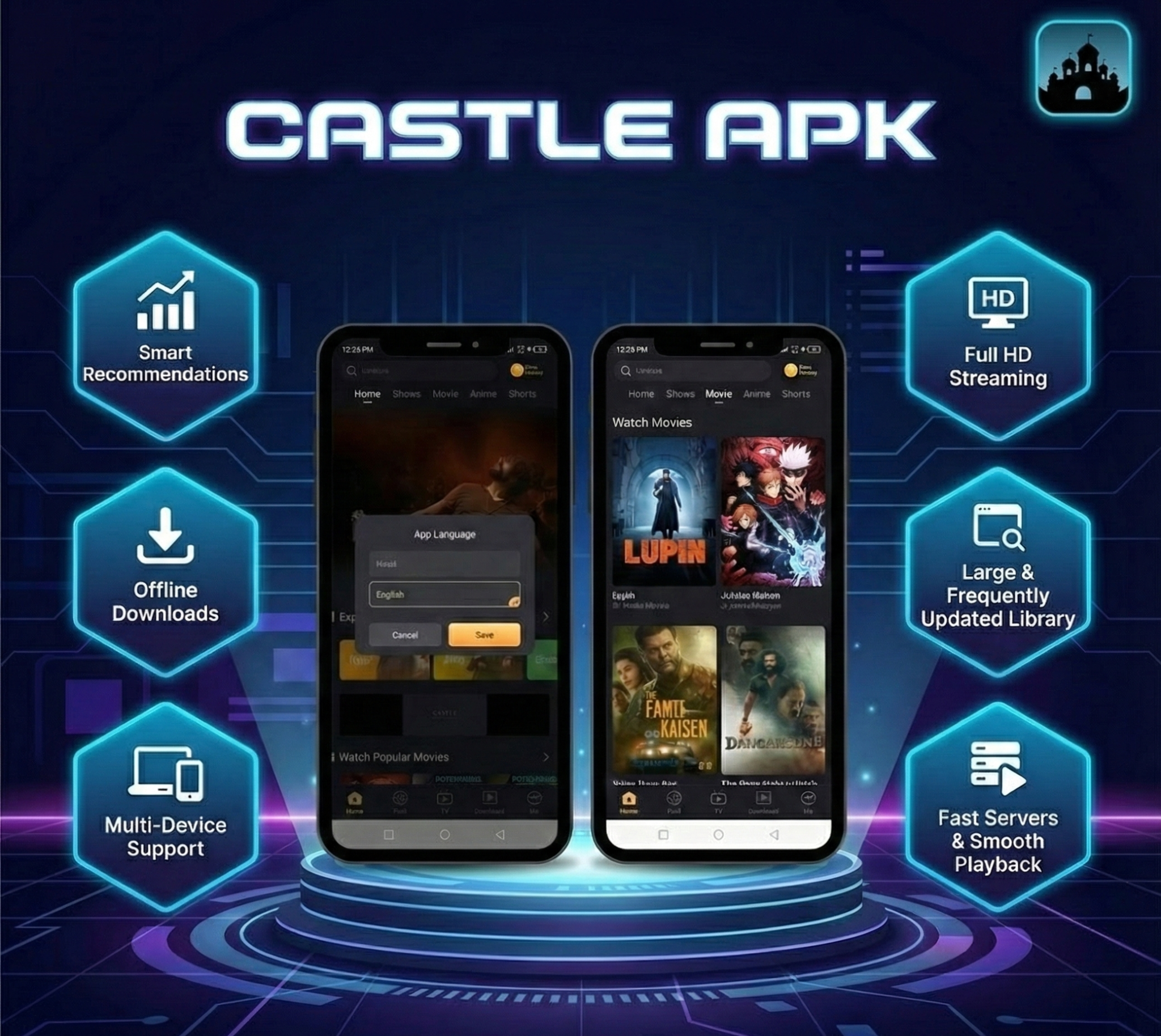
With paid streaming subscriptions piling up, many users are looking for alternatives. Castle APK is one such app that has been gaining traction — particularly among audiences in India and across South Asia. Positioned as an all-in-one entertainment hub for Android, it promises free access to movies, live sports, anime, web series, and thousands of live TV channels. But what exactly does it offer, how does it work, and what should you know before installing it? Here’s a full breakdown.
What Is Castle APK?
Castle APK is a streaming application built for Android smartphones, tablets, Android TV boxes, and smart TVs. Unlike mainstream platforms such as Netflix or Disney+, Castle is not available on the Google Play Store. Users must download the APK file directly from the developer’s website and sideload it onto their devices.
The app offers two tiers: a free version with some limitations and ads, and a paid premium version with full features and no ads.
What Can You Watch?
The content library is broad and leans heavily into diversity across regions and genres:
- Bollywood and South Indian cinema — a massive collection of Hindi-language films along with dubbed Tollywood and Kollywood titles
- Hollywood — popular and recent English-language releases
- Korean dramas and Japanese action — trending K-dramas and anime alongside Japanese live-action films
- International cinema — content from Russian, Turkish, French, and other film industries that are typically hard to find on mainstream platforms
- Live sports — cricket (including IPL), football, and other sporting events streamed in real time
- Live TV — over 3,000 channels spanning news, music, comedy, sports, and entertainment
- Web series, documentaries, and cartoons — rounding out the offering for all age groups
This “everything under one roof” approach is a key reason the app has built a following, especially among users who would otherwise need multiple paid subscriptions to access equivalent content.
Key Features
Adjustable Video Quality
Users can switch resolution anywhere from 144p to 1080p, making the app usable on older phones with limited bandwidth as well as high-resolution TVs.
Chromecast Support
The app supports screen casting. Connect a phone and TV to the same Wi-Fi network, tap the cast icon, and the stream moves to the bigger screen — useful for movie nights or watching sports with family.
Multi-Language Subtitles
Castle includes subtitle support in a wide range of languages. Users can customize subtitle appearance (size, positioning) for readability.
Offline Downloads
Content can be downloaded in HD for offline viewing — handy for travel or areas with unreliable internet. The app claims fast download speeds even for large files.
Playback Resume
If you leave the app mid-stream, it remembers your position. The next time you open the content, it picks up right where you stopped.
Flexible Media Player
The built-in player supports multiple video formats and offers speed adjustment, subtitle controls, and audio amplification. Users who prefer a different player can also use external media player apps.
Custom Playlists
Users can create and name playlists to organize favorite content for quick access, and share them with friends and family.
3,000+ Live Channels
The app aggregates live TV channels across genres — news, sports, music, comedy, and entertainment — from various regions.
Parental Controls
Parents can restrict content visibility so that younger viewers only see age-appropriate material.
Recommendations Panel
A curated section highlights new releases and popular titles, so users don’t have to dig through the full library to find something worth watching.
Ad-Free Experience
The premium version removes all advertising. The free version includes some ads.
Ratings and Comments
Users can rate content and leave comments, creating a basic community feedback layer that helps others decide what to watch.
What’s New in the Latest Version
The V2.1.1 update introduces several improvements:
- A new streaming engine backed by a higher-bandwidth CDN, aimed at faster 4K content loading
- Reduced live sports latency — real-time data packet optimization cuts delay by roughly 15%
- Full Android 5 compatibility
- Smarter search — an AI-driven search feature that lets users find movies by describing the plot rather than needing the exact title
- Bug fix for the “black screen” issue that affected older Amazon Firestick models
How to Install
On a phone or tablet:
- Open a browser and navigate to the Castle APK website
- Tap the download button and wait for the APK file to finish downloading
- Tap the downloaded file and grant permission to install from unknown sources when prompted
- Wait for installation to complete
On a smart TV or Android box:
- Download the APK on another device (phone or computer)
- Transfer the file to a USB drive
- Plug the USB into the TV, open the file manager, locate the APK, and install
System Requirements
Mobile devices:
- Android 5.0 or above (latest versions recommended)
- 2 GB RAM minimum
- 300 MB free storage (700 MB recommended for smooth performance)
- 1.8 GHz processor minimum
Smart TVs / Android boxes:
- 2 GB RAM minimum
- Dual-core processor (quad-core recommended)
- Stable internet connection
Troubleshooting Common Issues
- Content blocked by region — use a VPN to bypass geo-restrictions
- Chromecast not working — ensure both devices are on the same Wi-Fi network; clear the app cache and retry
- Installation fails — verify there’s enough storage and that the “install from unknown sources” permission is enabled
- General performance issues — clear cache, free up device storage, check internet speed, reinstall, or manually download the latest version from the website
Pros and Cons
What works well:
- Free access to a wide variety of content across genres and regions
- Multi-language subtitle support
- Parental controls for child safety
- HD and 4K streaming and downloading
- Live sports and TV without a subscription
What to watch out for:
- No auto-update — users must manually check for and install new versions
- As a third-party, sideloaded app, it carries inherent security risks
The Bottom Line
Castle APK has carved out a niche as a free, feature-rich streaming aggregator that appeals to users who want broad content access without juggling multiple subscriptions. Its deep library of Indian, international, and live sports content, combined with features like Chromecast casting, offline downloads, and parental controls, explains its growing popularity.
