


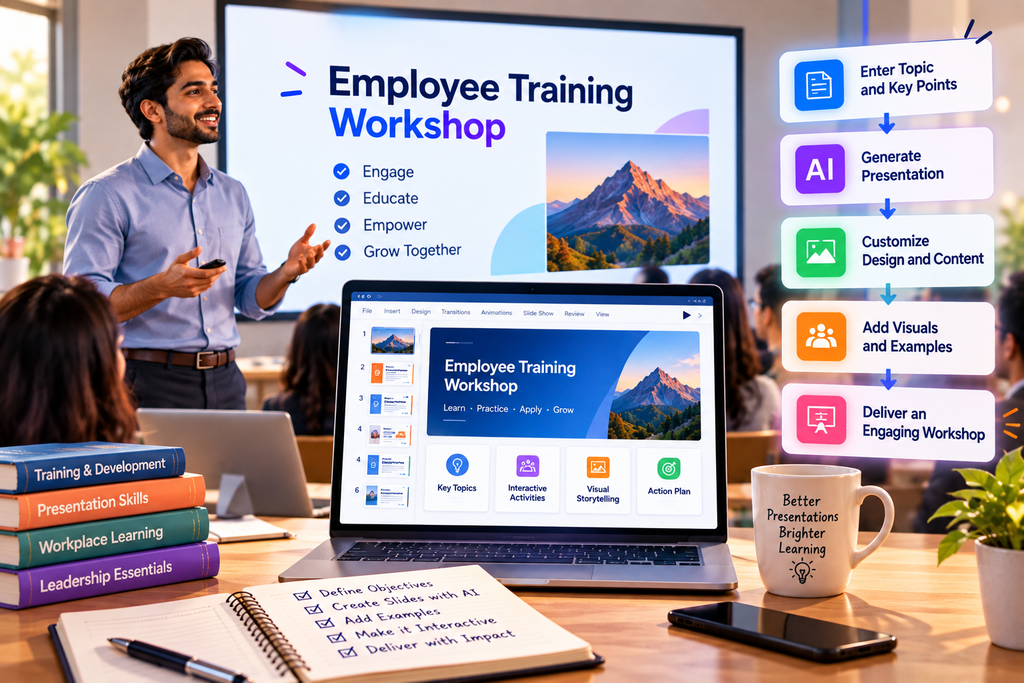
An effective workshop depends on more than the knowledge of the trainer. The way information is organized, explained, and presented can significantly influence how participants understand and apply what they learn.
Whether the session focuses on employee onboarding, professional development, software training, or classroom instruction, presentation slides often serve as the foundation of the learning experience.
However, preparing training materials can take considerable time. Trainers must organize information, develop examples, create activities, and ensure that participants can follow the content.
AI Presentation Maker can help streamline parts of this preparation process, allowing trainers to focus more on teaching and participant engagement.
Why training presentations require a different approach
A training presentation is not the same as a business pitch or project update.
While business presentations often aim to inform or persuade, training presentations should help participants develop knowledge or skills.
This means slides must support learning rather than simply communicate information.
For example, a workshop on spreadsheet analysis should not consist entirely of definitions and descriptions.
Participants also need demonstrations, practical examples, exercises, and opportunities to apply what they have learned.
A well-designed training presentation therefore combines explanations with activities.
Start with clear learning objectives
Before preparing slides, trainers should identify what participants should be able to accomplish by the end of the session.
Learning objectives help determine which topics deserve attention and how much detail should be included.
Consider a workshop titled Introduction to AI Tools for Workplace Productivity.
Possible learning objectives could include understanding common AI applications, identifying appropriate workplace use cases, evaluating AI-generated information, and applying AI tools responsibly.
Once these objectives have been established, the presentation can be organized around them.
This reduces the risk of including information that is interesting but not relevant to the workshop.
How AI Presentation Makers help trainers
An AI Presentation Maker can assist with developing an initial presentation outline from a workshop description.
For example, a trainer could provide the following instruction:
Create a 60-minute workshop presentation introducing AI productivity tools to employees with limited technical experience. Include practical examples, discussion questions, and a closing recap.
An AI-assisted outline might organize the session into introductory concepts, practical applications, demonstrations, participant activities, and key takeaways.
The trainer can then adjust the content based on participant experience, available time, and organizational requirements.
Using Quillbot AI Presentation Maker for training preparation
Quillbot AI Presentation Maker can support educators, corporate trainers, and workshop facilitators during the early stages of presentation development.
A trainer preparing an onboarding session could begin with a list of company processes and learning objectives.
These can be organized into a presentation structure that introduces the organization, explains essential workflows, and highlights employee responsibilities.
Similarly, an educator planning a classroom workshop could use AI-assisted preparation to structure lesson content into manageable sections.
The trainer should still review the material carefully, add appropriate examples, and ensure that all instructions reflect the actual training environment.
Make workshops more interactive
One of the biggest limitations of traditional training presentations is that they can encourage passive learning.
When participants spend an entire session listening to explanations, they may have fewer opportunities to practice new skills.
To improve engagement, trainers can include interactive elements throughout the presentation.
These might include short quizzes, discussion prompts, scenario-based exercises, group activities, or practical demonstrations.
For example, during a workshop on professional communication, participants could review a poorly written email and suggest improvements.
A presentation slide can introduce the exercise, explain the instructions, and display a sample response afterward.
AI can help draft exercise ideas, but trainers should evaluate their suitability for the audience.
Use visuals to explain complex information
Training materials often involve processes, systems, or concepts that are easier to understand visually.
A workflow diagram can explain the sequence of a business process more effectively than several paragraphs of text.
Similarly, screenshots can help participants follow software instructions.
When preparing training slides, presenters should consider whether a chart, diagram, or illustration would make the information easier to understand.
Resources such as Coursera’s instructional design overview can provide additional context on structuring learning experiences.
Build a reusable presentation library
Organizations frequently deliver similar training sessions to different groups.
Rather than creating every presentation from scratch, trainers can develop reusable slide structures for onboarding, compliance training, product education, and professional development.
AI-assisted preparation can help produce initial versions of these materials, which can then be reviewed and standardized.
This approach supports consistency while allowing individual trainers to adapt examples and activities.
Conclusion
Preparing an effective workshop presentation requires a balance between clear explanations, practical examples, and opportunities for participation.
AI Presentation Makers can help trainers organize content, develop initial outlines, and reduce repetitive preparation work.
However, the effectiveness of a training session ultimately depends on the trainer’s understanding of the audience and learning objectives.
By combining AI-assisted preparation with thoughtful instructional design, educators and professionals can create workshops that are more structured, engaging, and useful.
